Teletechnics
SSWiN – Intrusion & Hold-Up Alarm Systems
We design, install, and service alarm systems for companies, institutions, and private homes.
Introduction
SSWiN – what is it?
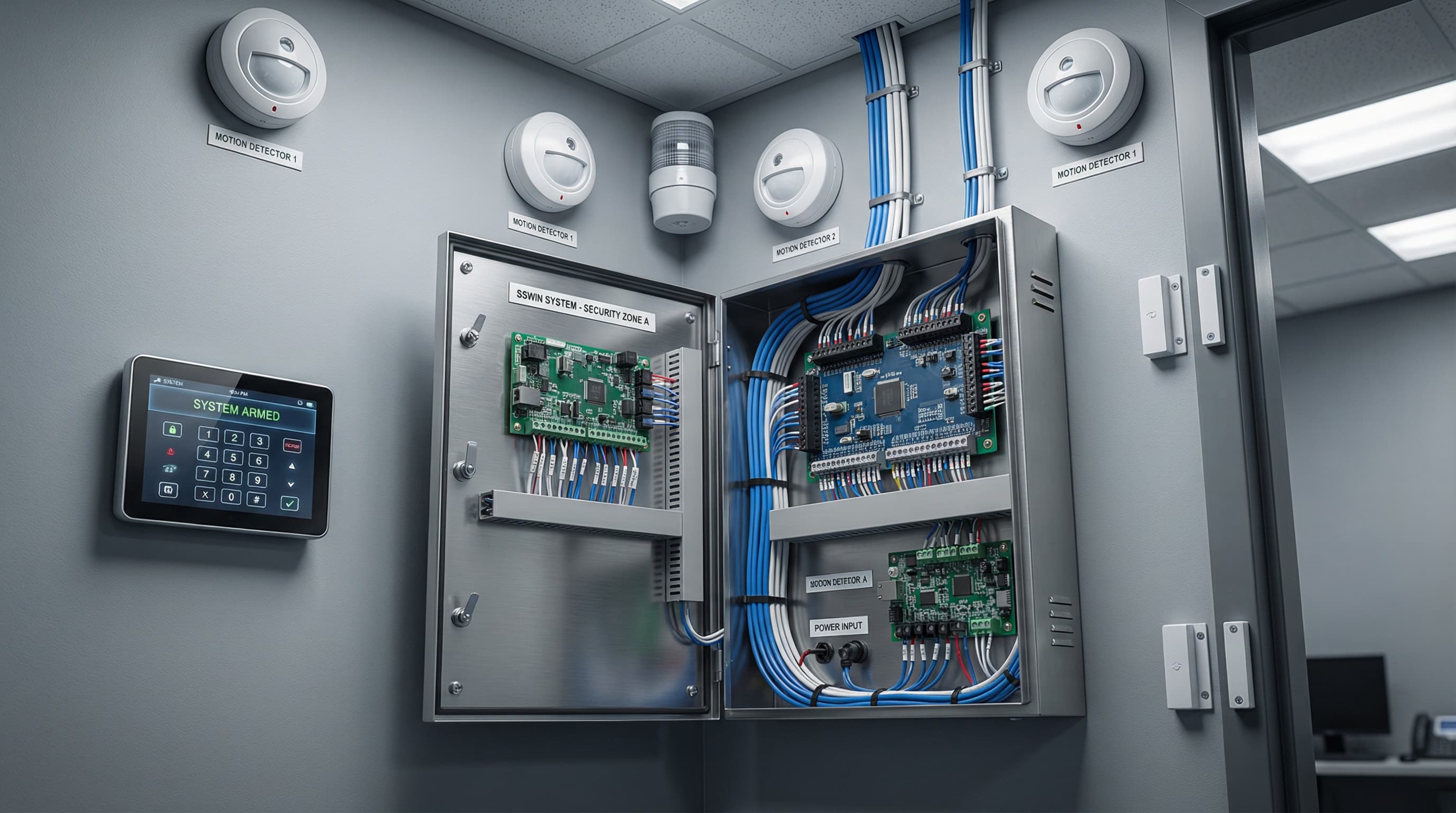
The Intrusion & Hold-Up Alarm System detects attempted intrusion and immediately triggers an alarm.
A set of detectors, control panels, and notification devices creates a layer of security that protects the site and its occupants.
Technology
Modern SSWiN Systems in Nivato’s Offer
We tailor alarm solutions to the facility type and threat level.
- Selection and installation of motion, glass-break, and vibration detectors
- Installation of alarm control panels and sounders
- Integration with CCTV monitoring and access control
- Configuration of SMS, push notifications, and mobile apps
- Service, modernization, and expansion of existing installations
We configure alarm scenarios, train users, and provide ongoing service support.
Process Realization
Why have an SSWiN system?
A well-designed alarm system provides safety, peace of mind, and control over the facility.
- Immediate response to intrusion or sabotage attempts
- Reduced material losses and higher chance of catching offenders
- Option to integrate with monitoring and automation
- Remote threat notifications via SMS or app
- Lower property insurance costs
Interested?
Planning an alarm system?
We will prepare an SSWiN design integrated with monitoring and access control.
Implementation Stages
Stages of Implementing an SSWiN System
We tailor the design and implementation process to the facility’s needs and user expectations.
- Step 1
Threat analysis and requirements
We identify potential access points, protected zones, and client preferences for system operation.
- Step 2
SSWiN system design
We create a layout for detectors, control panels, and sounders plus a plan to integrate with other systems.
- Step 3
Installation and configuration
We install all components, commission control panels, test connections, and fine-tune settings.
- Step 4
Training and go-live
We hand over the system, train staff, and configure notifications and schedules.